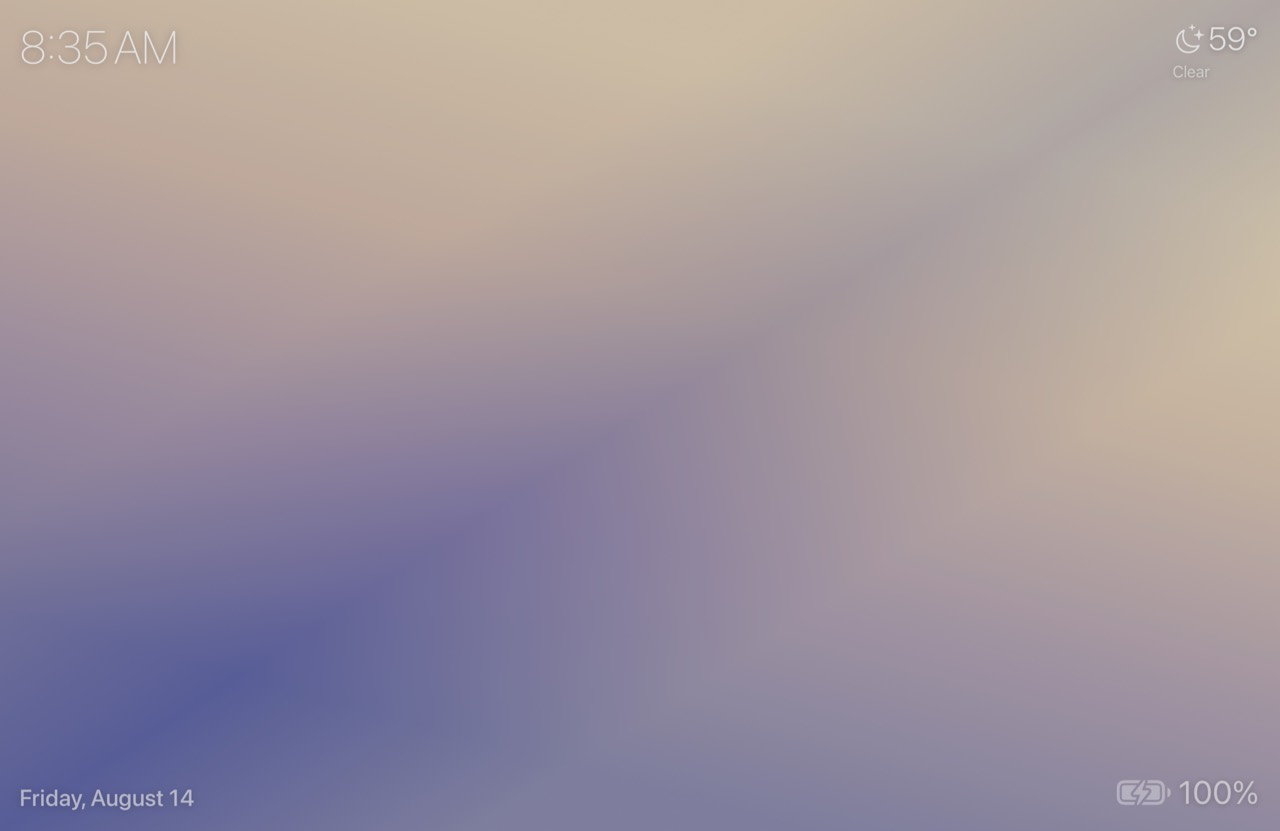
Gradient
A slowly shifting wash of color that follows the time of day.
For macOS
Beautiful screensavers with the time, weather, and more. Living, animated scenes that make your Mac worth looking at when you step away.
macOS 14 Sonoma or later · Universal — Apple silicon & Intel · Free download · Signed & notarized by Apple
Screensavers
Four are free forever. Circuitry and Grand Prix are the first two Update Pass screensavers — the pass is on sale now, and you can watch them running in Lumina's gallery before you buy. Every scene has its own settings and remembers its own overlay arrangement.
A slowly shifting wash of color that follows the time of day.
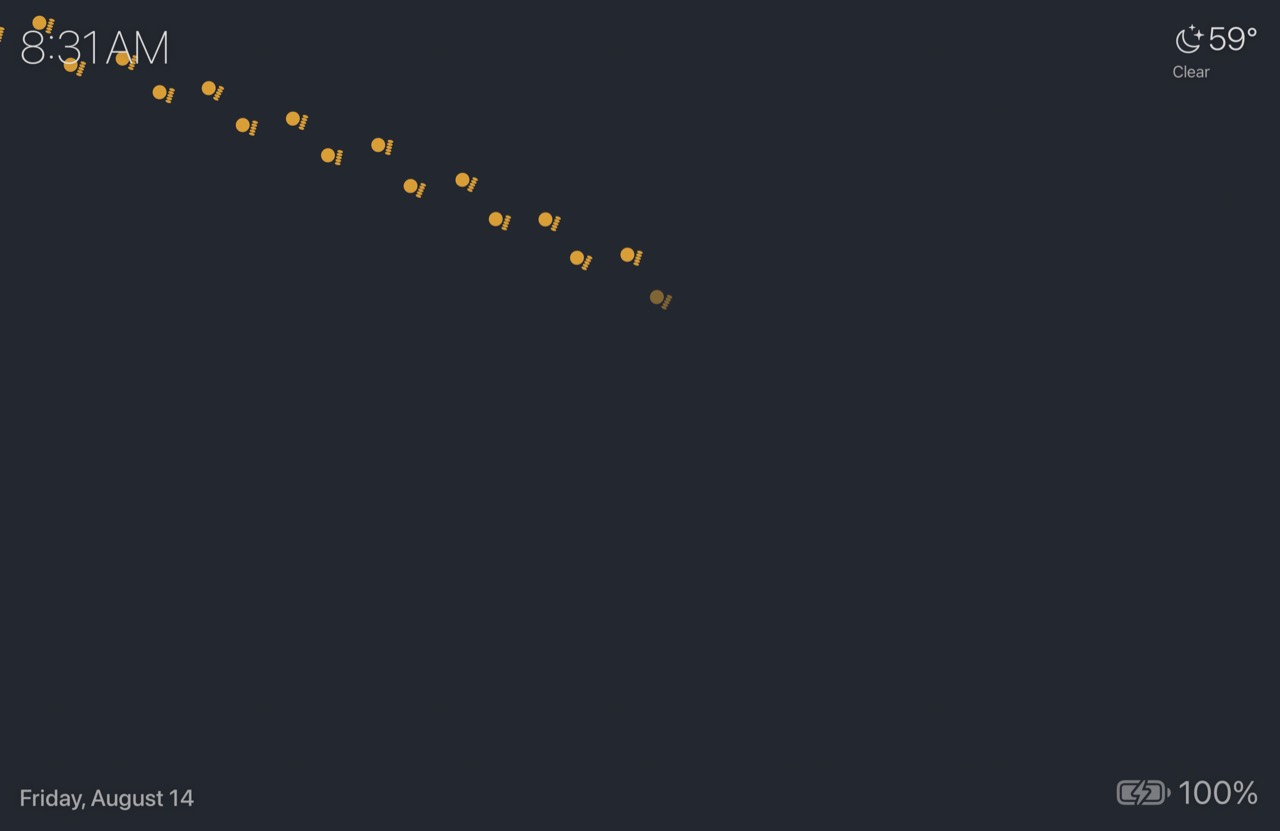
A different animal wanders across the screen, leaving a trail of tracks.
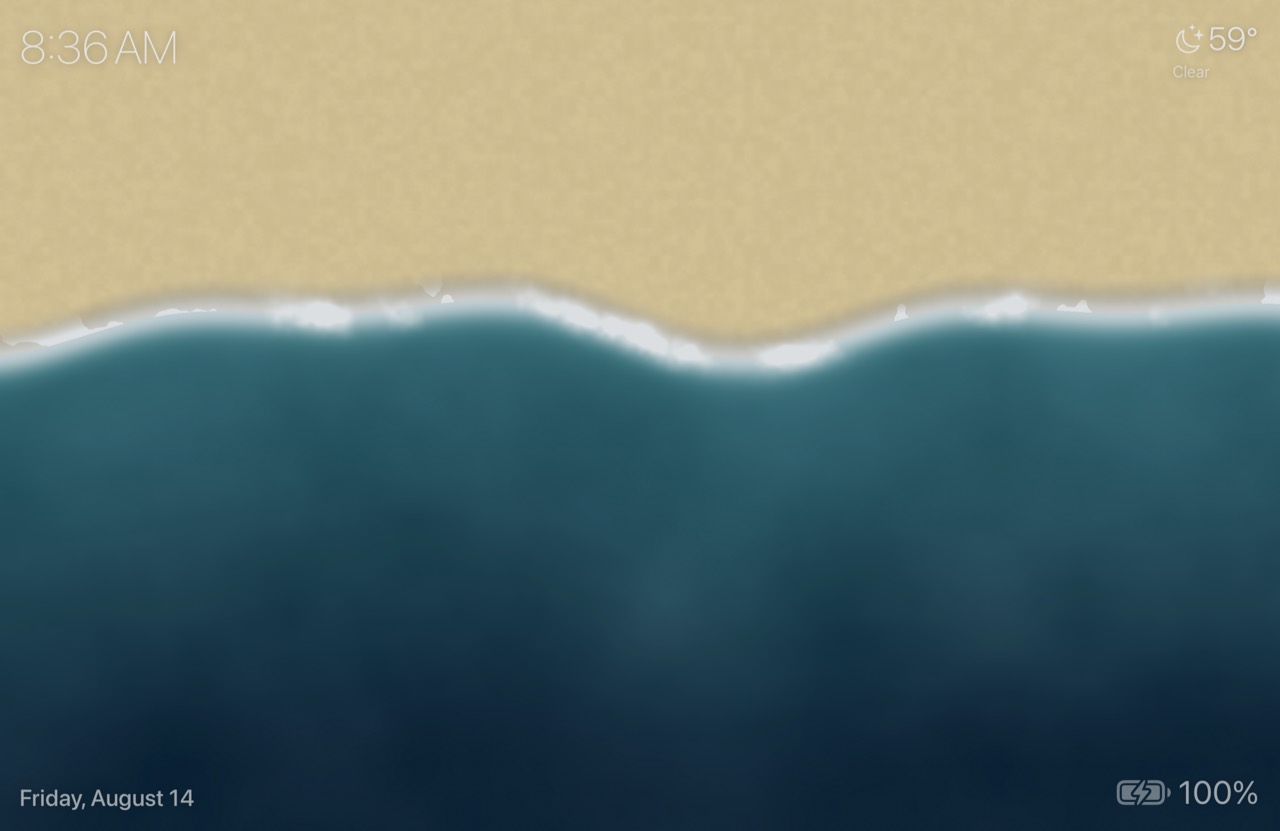
A top-down view of waves rolling in and washing over the sand, drawn in real time by a Metal shader.
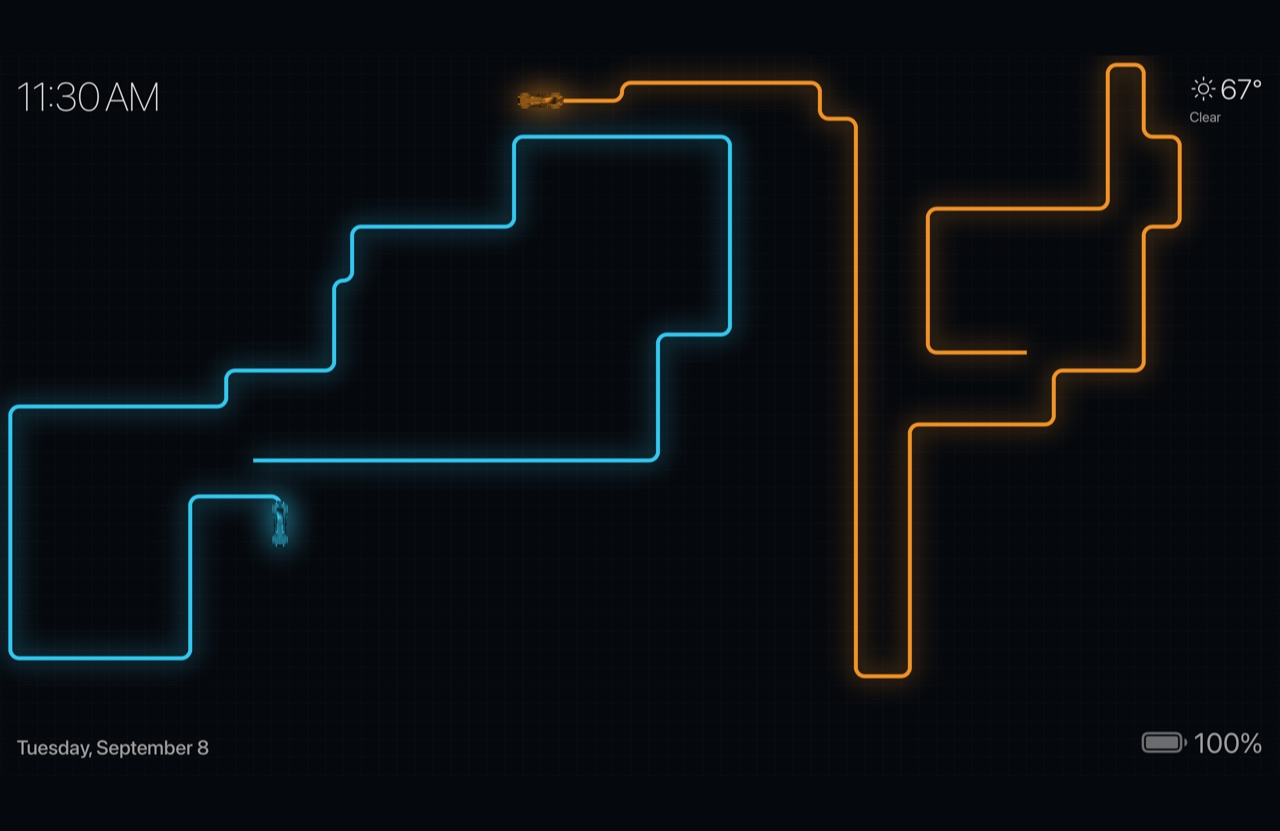
Two cycles race across the grid, leaving light-trails until one crashes. Legacy banks through its turns; Arcade pivots on the spot.
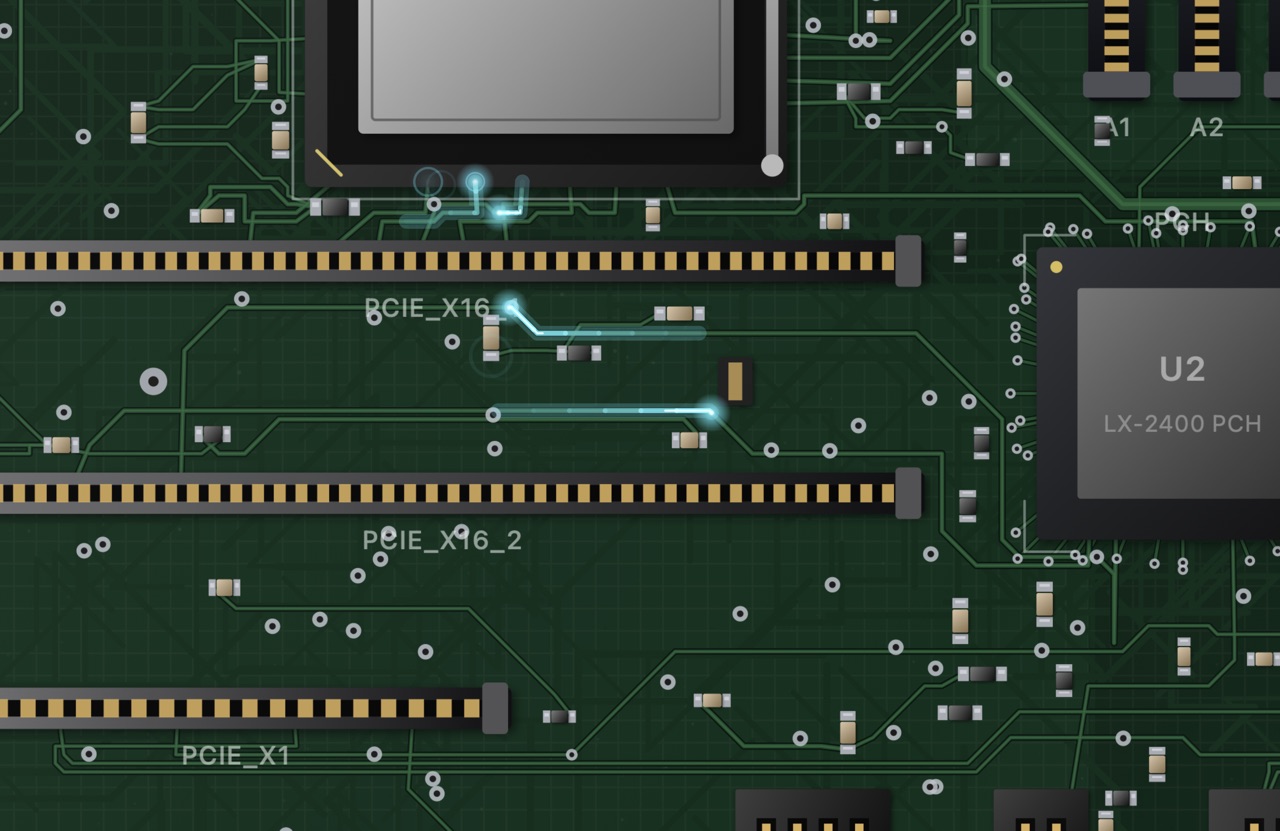
A camera flies low over a motherboard, chasing charges of light down the copper. Choose the board, the signal color, how thick the traffic runs, and how far the camera roams — or park it over the whole board and let only the signals move.
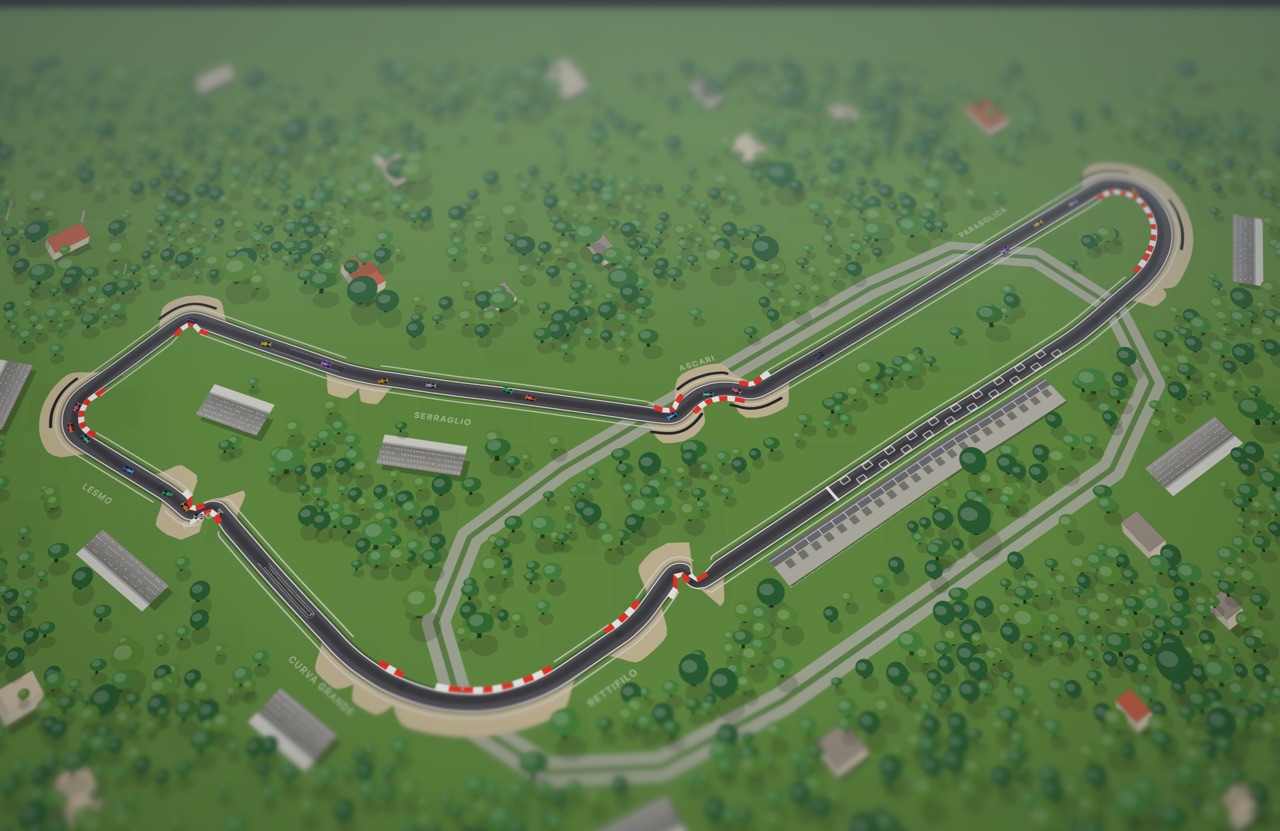
A tilt-shift camera drifts over a scale model of a Grand Prix circuit while a full field races below — each car picking its line, closing on the car ahead and committing to a side to pass. Pick a circuit, or let it move to a new one every few minutes.
Bring your own circuit.
Grand Prix layouts are built from surveyed centrelines published by the
f1-circuits
project, used under the MIT licence — the data files ship unmodified and can be
replaced or removed. Drop a GeoJSON or CSV track file into
~/Library/Application Support/Lumina/Circuits/ and Lumina uses your layout
instead, for any circuit; the screensaver's own settings page has a button that opens
that folder for you.
Overlays
Drop the time, date, weather, or battery onto any screensaver — and put them exactly where you want them.
A clean clock and date you can read from across the room, in three sizes and six positions around the screen.
Current conditions and temperature, refreshed in the background. No account, no API key, and no sign-up — set your city by hand or let Lumina find it. Included with the Update Pass.
Charge level and charging state at a glance, so you know where your laptop stands before you pick it up.
Six anchor positions, three sizes, and stacking when several share a corner. Every screensaver remembers its own arrangement.
If the weather can't be refreshed, Lumina says when it was last updated — and hides it rather than showing you something wrong.
Lumina checks for new versions daily and tells you when one is ready. Nothing installs itself behind your back.
Getting started
macOS doesn't let an app turn itself into your screensaver, so there's one trip to System Settings. Lumina handles the rest.
Open the disk image and drag Lumina to your Applications folder, then launch it.
One click adds Lumina to your Mac's screensaver collection. No admin password, no dragging files into system folders.
Lumina opens Screen Saver settings for you — choose Lumina under “Other.” After that, the Lumina app is where you pick scenes and arrange overlays.
Pricing
Free
The app, the four free screensavers — Gradient, Footprints, Shorebreak, and Lightcycles — and the clock, date, and battery overlays. Yours to keep, with no account, no trial, and no ads.
Download for Mac$19.99 · then $9.99 a year
The pass unlocks every screensaver and overlay — Circuitry and Grand Prix today, and everything released during your year. After it lapses you keep everything from your year; only content released after it waits for a renewal, which is $9.99 for another year. It never renews itself — you buy the next year when you want what is in it.
The pass is bought from inside the Lumina app. Without it Circuitry, Grand Prix, and live weather are locked — but every screensaver previews in the app's gallery, so you can watch them run before you buy.
Why isn't Lumina on the Mac App Store? A sandboxed App Store build can't pass data to the screensaver itself, which is what makes the live overlays work. So Lumina is distributed directly from this site — signed and notarized by Apple, and updated automatically.
macOS 14 Sonoma or later · Universal — Apple silicon & Intel · Free download · Signed & notarized by Apple
By downloading Lumina you agree to the License Agreement. See also our Privacy Policy and Refund Policy. Questions? Get in touch.